
Where does your week go? 5 admin tasks you can hand over to your own app
Quotes, client lists, weekly reports: five familiar admin tasks your own app can take off your plate. With solutions and ready-to-use prompt tips.
3 November 2026 · 5 perc olvasás

On Monday morning, you were full of plans. By Friday afternoon, you catch yourself copying spreadsheets again, digging through old emails and writing the same quote for the third time. Sound familiar? It's not you. Admin simply eats your time where it's least visible.
The good news: most repetitive admin tasks no longer need expensive software or a developer. All you need is to describe what you need, and Suara builds your own little app for it. We've rounded up five typical time-wasters. For each one, you get a solution and a prompt to get started right away.
1. Quotes: starting from scratch every time
A potential client calls, you take notes, then in the evening you crunch numbers in a spreadsheet, copy them into a document and turn it into a PDF. The same routine for every new client.
The solution: a quote calculator. You enter your own rates, the client (or you) fills in the details, and the app calculates the price and gives you a ready-made quote. All you do is check it and send it.
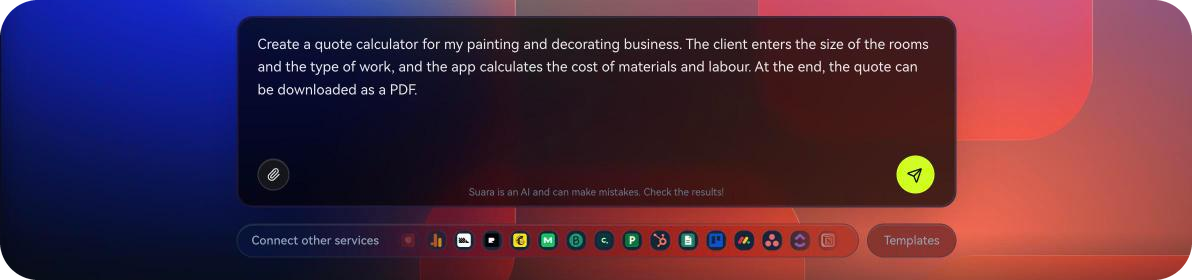
💡 Prompt tip: "Create a quote calculator for my painting and decorating business. The client enters the size of the rooms and the type of work, and the app calculates the cost of materials and labour. At the end, the quote can be downloaded as a PDF."
2. Client list: a bit in your inbox, a bit in your phone, a bit in your head
Who asked for a callback? When did you last work for that company? What did you talk about last time? If you have to search three places for the answers, that's not a list, it's a treasure hunt.
The solution: your own client database. Contact details, past jobs, notes and the next to-do in one place, searchable. With exactly the fields you need, no more, no less.
💡 Prompt tip: "Create a simple client database. For each client, include name, phone number, email, a list of past jobs and a notes field. It should be searchable, and filterable by who I need to contact this week."
3. Weekly report: hunting for numbers on Friday afternoon
Revenue is in your invoicing tool, orders are in your webshop, visitors are on a third platform. By the time you've copied everything into one spreadsheet, the afternoon is gone, and there's no energy left for actual decisions.
The solution: your own dashboard. One screen that shows the numbers that matter to you. Suara connects with many popular services, so the data can come straight from the systems you already use.
💡 Prompt tip: "Create a weekly overview dashboard for my business. Show weekly revenue, the number of orders and the most popular products, compared with the previous week."
4. Scheduling: five messages for a single booking
"Would Thursday work?" "Friday's better." "Morning or afternoon?" Sometimes a single appointment takes more back-and-forth than the work itself.
The solution: an online booking form. The client chooses the service and a time that suits them, and the requests land in one list. All you do is confirm.
💡 Prompt tip: "Create a booking page for my massage studio. Clients should choose a treatment and a time, requests should go into a list, and I should get an email about each one."
5. Job sheets and checklists: on paper, in photos, in the group chat
If you work with a team, you know the picture: one person keeps it on paper, another snaps a photo, a third reports it by phone. At the end of the day, you're the one piecing together what got done.
The solution: a digital job sheet. A checklist your team can fill in and tick off on their phones, with photos attached, while you see all the work in one place.
💡 Prompt tip: "Create a mobile-friendly job sheet for my cleaning company. Team members should choose the location, tick off completed tasks and upload a photo, and I should see the day's jobs in one list."
Where should you start?
With the one that hurts most. For a week, notice which task makes you sigh the loudest, and start there. You don't have to transform your whole business at once: even one small app that works well gives you a noticeable part of your week back.
Once the first one works, move on to the next. You can keep several of your own apps side by side in one account, so you can build your own system step by step.
Take your week back
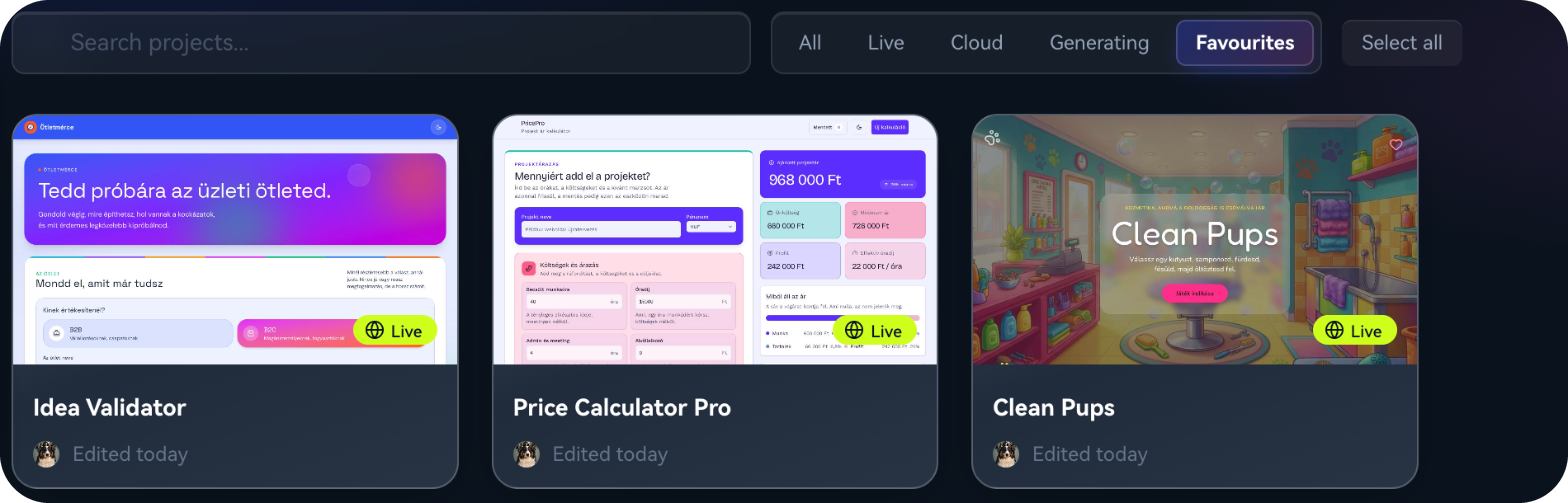
Admin won't disappear on its own, but you no longer have to do it yourself. You have two weeks to try it for free: pick your biggest time-waster from the list, describe it, and see what Suara builds from it.
Frequently asked questions about reducing admin
Do I need programming skills?
No. Just describe what you need in your own words. Suara builds the app, and you refine it with prompts.
Can I connect it to the systems I already use?
Suara connects with many popular services, such as invoicing tools, webshop platforms, payment providers and email marketing tools. You'll find the full list in Suara, under the Integrations menu.
What if my needs change later?
No problem. You can keep developing your app at any time: just describe what you'd like to change, and Suara will rework it.