
How we built the Entrepreneur superpower test: our own event quiz app, made with Suara
A real project, not a demo: an event personality test for iPad, with an automatic result email and an admin view, built with Suara.
Suara by Billingo
17 November 2026
3 minutes
First working version
approx. 23 minutes
Total generation
approx. 245
Credits used
This isn’t a demo project: it’s the Suara team’s own, real work. We built the Entrepreneur superpower test for a real event and used it there. The test and the result emails are in Hungarian.
How do you reach twenty young people at an event, one after another, without pushing a flyer into their hands, and give them an experience instead? We built a personality test app for exactly that with Suara. The first working version was ready in 3 minutes from a detailed prompt, and with all the refinements, the automatic result email and an admin view, the whole project came to about 23 minutes of generation and about 245 credits. Here’s how it was made, and what we learned along the way.
The event
At the Mindset meetup, we met young people interested in starting a business. Our goal was not to talk about Suara at our stand, but to let visitors learn something interesting about themselves, and see along the way how a few sentences can turn an idea into a working app. The test was a conversation starter, an experience and a demo all at once: everyone who took it also found out what they could build with their own superpower. On a TV at the stand, a video about the test and Suara was playing with a QR code, so anyone who didn’t want to wait for the tablet could take the test on their own phone.
Target audience
Young people aged 15–25 who are interested in business, though many of them aren’t running one yet.
Visitors at the stand: one after another on the iPad or the laptop, or on their own phone via the QR code.
People who only spend a few minutes on it, so the test has to be quick, relaxed and visually strong.
The challenge
A short but meaningful test, built on a recognised model rather than guesswork.
A young, casual tone that doesn’t feel like school and doesn’t try too hard.
The next person can start right after the previous one, with no data mix-ups.
The result also arrives by email, but only what the person agreed to receive.
Suara branding: our logo, colours and fonts, not a generic quiz template.
How it was made
The first prompt
This time we didn’t start from a single sentence but from a detailed specification: it covered the user journey screen by screen, the 10 questions with their answers, the descriptions of the 4 result types and the tone of voice. It started like this:
“Build a simple, interactive personality test called ‘Entrepreneur superpower test’. We’ll use it at an event: young people interested in business (aged about 15–25) will take it at our stand, on a tablet or laptop, one after another. The test is based on the classic DISC model, with 4 result types.”
(Translated from Hungarian.)
The test is based on the four behavioural styles of the DISC model, which became the four superpowers: the strategist, the connector, the steady builder and the go-getter. Each question has four answers, each linked to one type, and at the end the test calculates how much of each of the four you have in you.
At the event, the test ran on an iPad and a laptop, so we paid special attention to the tablet view: big, easy-to-tap answer buttons, one question per screen, and a clear result page.
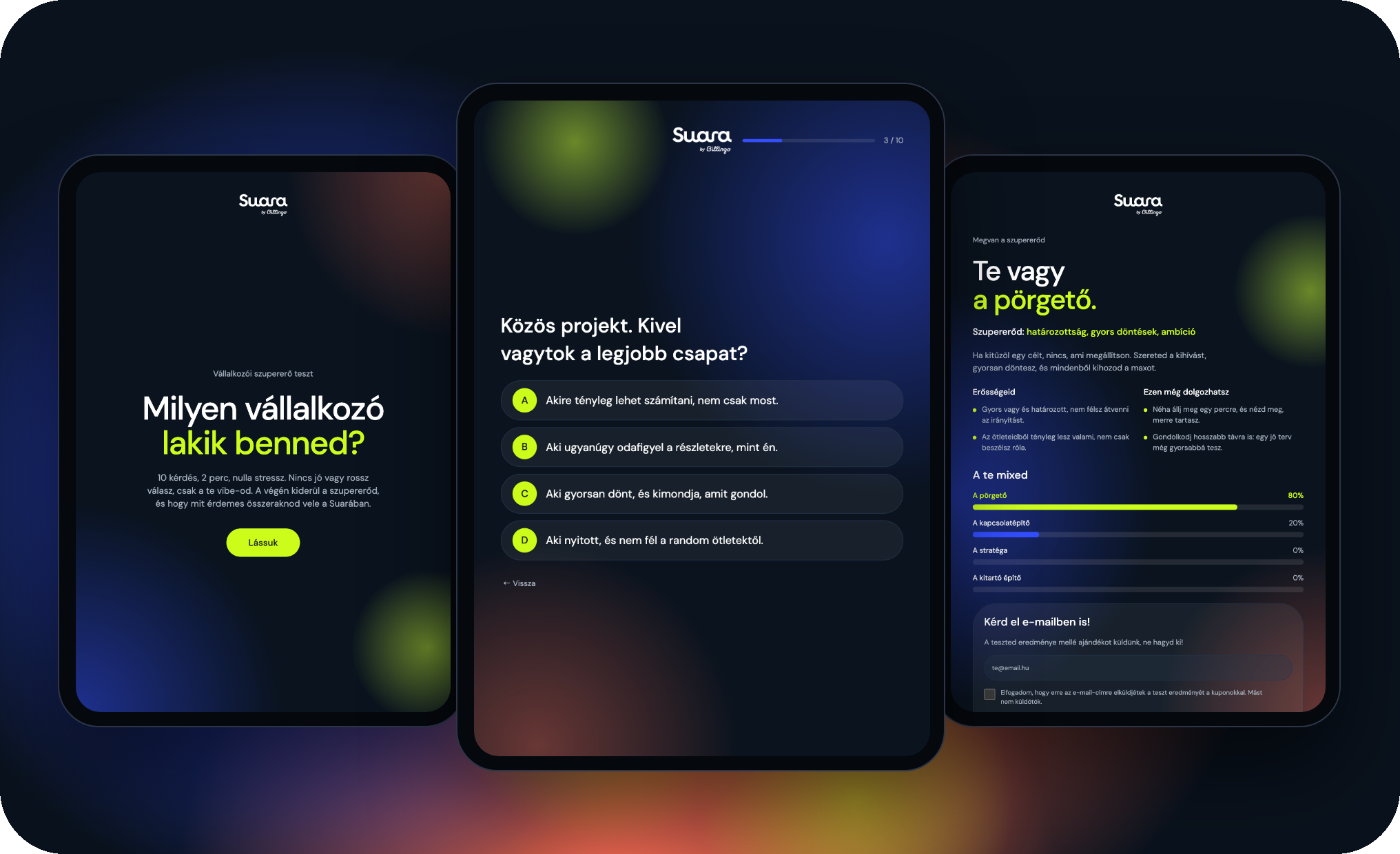
Why a detailed prompt? In an event app, the copy is the product. We wrote the questions and the type descriptions in advance, so Suara put the whole test together in the first round, and all we had left to do was refine the look. The first working version was ready in 3 minutes 3 seconds, using 37 credits.
💡 Prompt tip: if you’re building a test or quiz, describe what the person sees on each screen: start screen, questions, result. Include the questions with their answers, and note which answer belongs to which result. The more precisely you describe the scoring, the less you’ll need to fix afterwards.
The refinement rounds
Branding: we swapped the logo for the Suara logo and asked for the closest available font to Roboto across the whole interface. Then we adjusted the logo’s size and position: it got bigger and moved to the centre, with equal margins above and below.
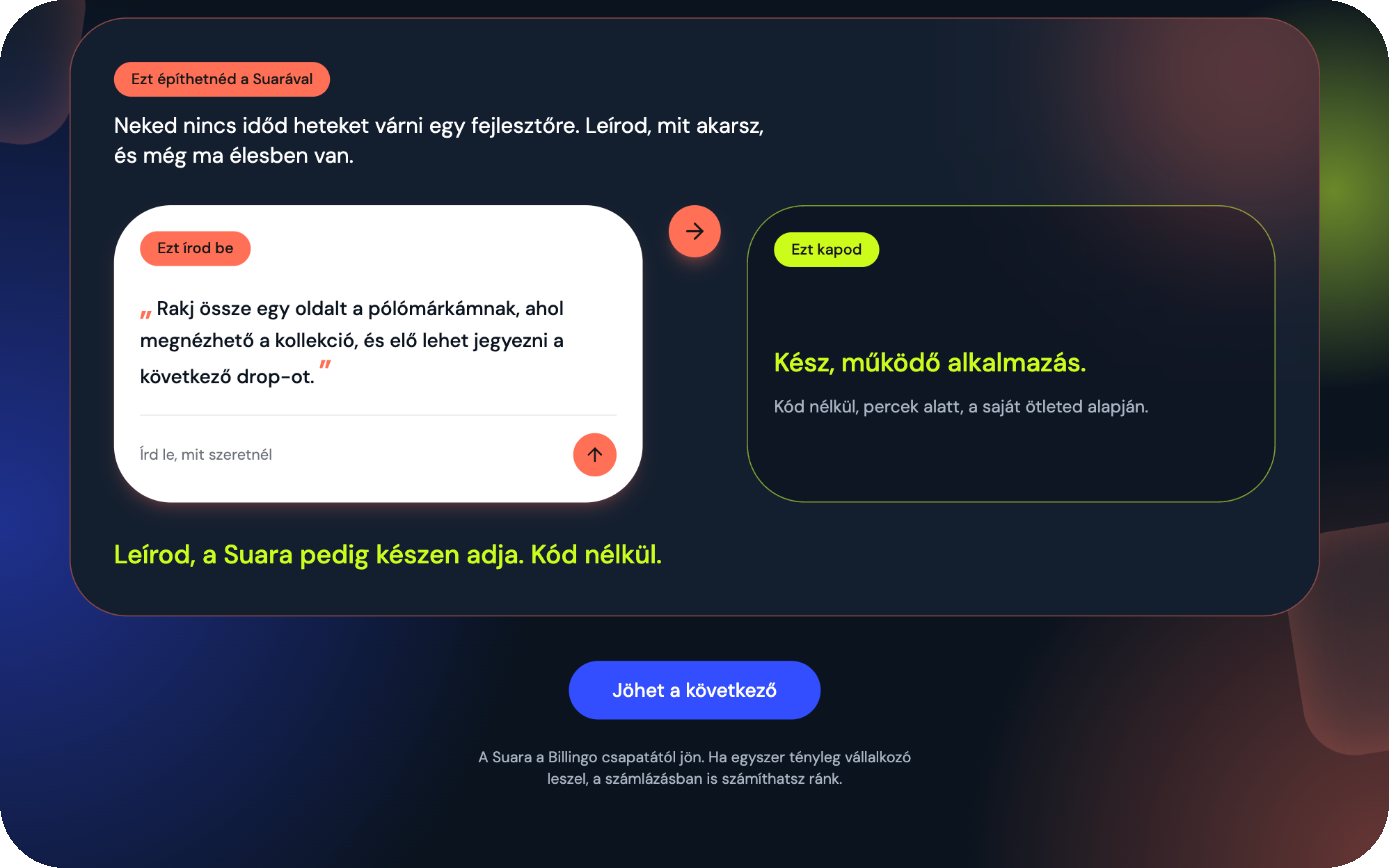
Making the result page stand out: we had the “What you could build with Suara” block rewritten several times, because at first it didn’t grab enough attention. What finally worked: we asked Suara to suggest a good-looking solution itself. That’s how we got the white “You type this” card and the neon-framed “You get this” card, with an arrow between them.
Copy changes: we refined some of the questions and a few descriptions. Here we asked for only the given texts to change and everything else to stay as it was.
Connecting the result email: we connected the test to our newsletter system, so people also receive their result by email. This was the longest stretch: the wrong key type, region settings, rejected requests. In every round Suara told us what to check, and in the end it worked.
🚀 Pro tip: if you still don’t like a block after several attempts, stop trying to come up with the solution yourself. Describe your goal (“make it good-looking and eye-catching”) and ask Suara for a suggestion. For us, that solved in one round what we’d tried three times before.
Half-time summary ⚡ A detailed specification gave us the complete test in 3 minutes. The refinement rounds were about branding, making the result page stand out and the email sending, and the content barely needed touching.
The result
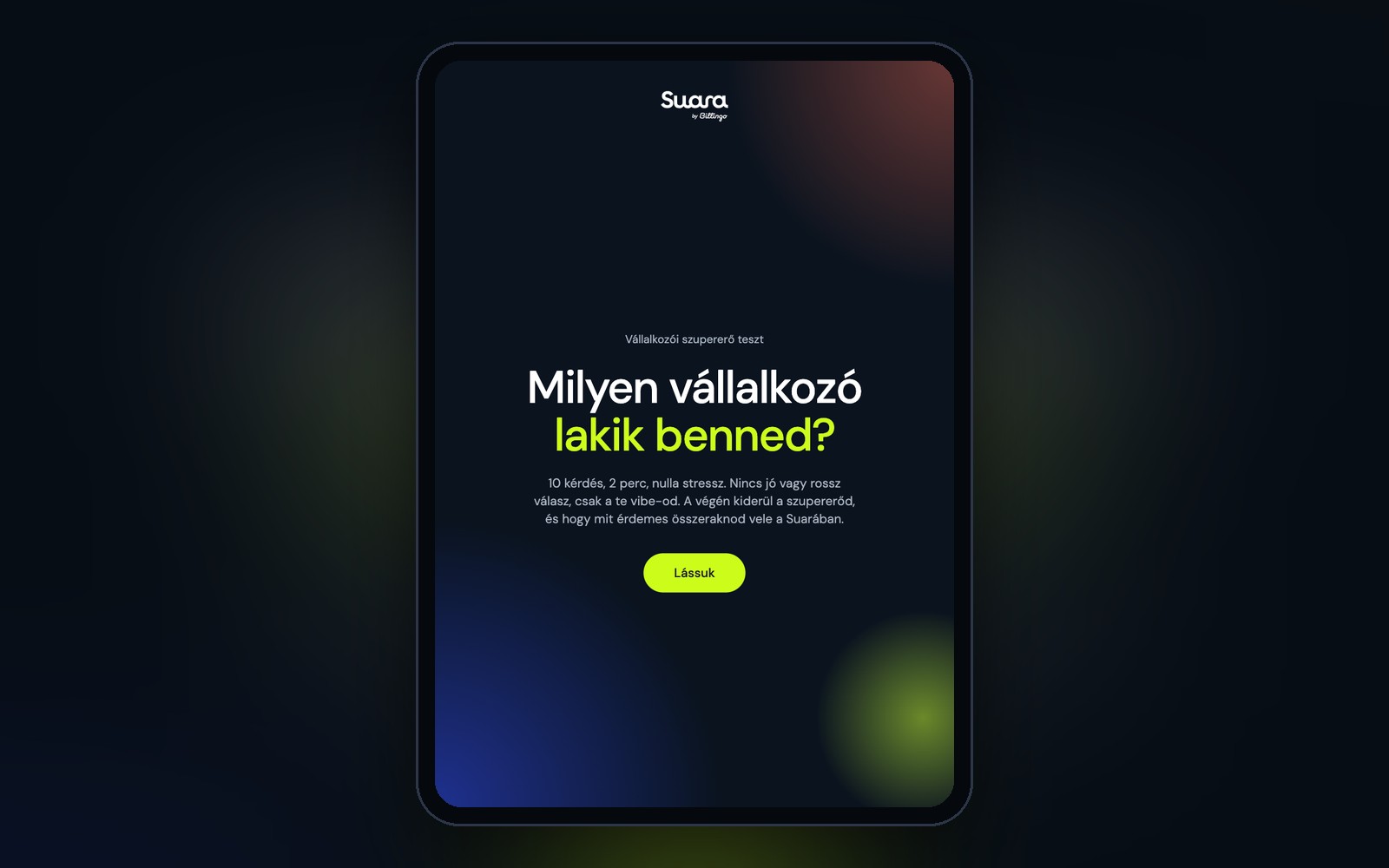
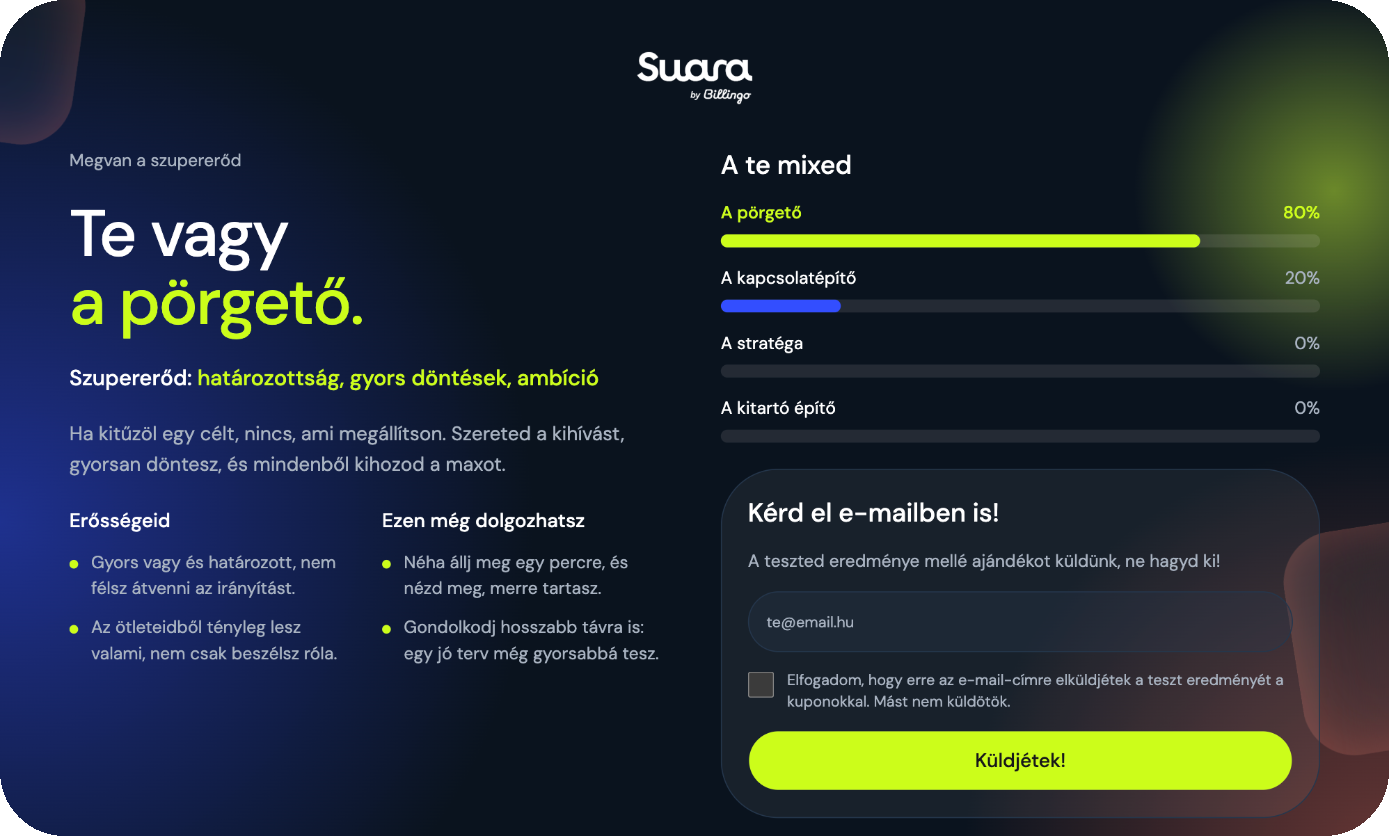
After the start screen, the person gets ten questions, one per screen. A progress bar at the top shows how far they are, and they can go back at any time. At the end, their type appears straight away, with their superpower, their strengths and what they can still work on. Next to it, a chart called “A te mixed” (“Your mix”) shows how much of each of the four types they have.
Below the result comes the Suara part: an example prompt matched to the type, which the person could use to build their own idea. For the go-getter, for example, it’s a site for a T-shirt brand where people can sign up for the next drop. At the very bottom, the “Jöhet a következő” (“Next, please”) button resets everything, so the tablet is instantly ready for the next visitor.
10 questions, one per screen, with a progress bar and a back button
4 result types, with a percentage mix
A Suara example prompt matched to the type on the result page
Email request with a single, clear consent
A “Next” button that clears all data before the next person
A tablet-optimised, responsive interface that also works on laptops and phones
An admin view with the submissions and their results
What happens behind the scenes
If the person enters their email address, the test passes their type and scores to our newsletter system. The system sends a different email for each type: it contains the full result, the mix and, as a gift, a time-limited discount coupon for Suara and for Billingo. The coupon was part of an event-only offer, so we’re not publishing it here.
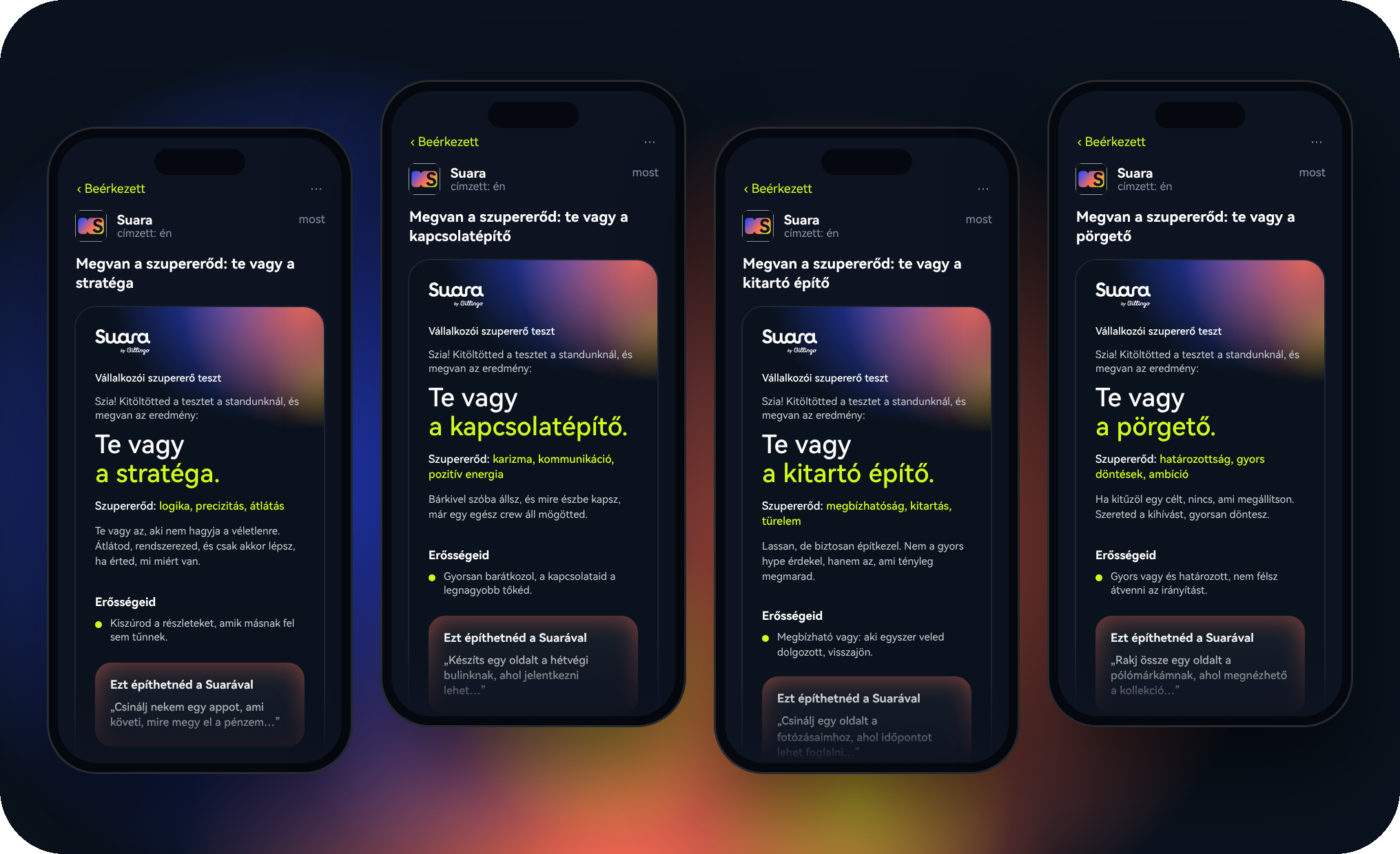
We took one thing very seriously with the consent: the checkbox says we’ll only send the result and nothing else. That’s why these people go into a separate group that we exclude from every marketing email. Whatever you promise the person has to work the same way behind the scenes.
The submissions are also kept in the test: Suara built a simple admin view for it as well, where we can see the people who took the test in a list, together with their results. So after the event, we didn’t have to dig through spreadsheets to find out who got which type.
🚀 Pro tip: if you give away a coupon or a prize in a campaign, write down the terms in advance: what it can be used for, until when, how many times, and who is eligible. For a prize game, it’s worth preparing official game rules too. If your audience may include minors, have an expert review your data handling.
What would this have taken the classic way?
To have a point of comparison, we estimated what the same thing would have taken in a traditional project with a designer and a developer, assuming the questions and type descriptions were already written:
UX and design (start screen, questions, result page, for several screen sizes): 8–14 work hours
Development (question logic, scoring, percentage mix, animations, reset): 12–20 work hours
Connecting email sending to the newsletter system, handling consent: 6–10 work hours
Admin view for the submissions: 4–8 work hours
Testing with all four types, going live: 3–5 work hours
That’s roughly 35–60 work hours in total, and with waiting for feedback, typically 1–3 weeks of calendar time. In the week before an event, that’s tight.
With Suara: about 23 minutes of generation and about 245 credits, including every refinement round, the email connection and the admin view. That’s roughly half of the Pro plan’s 500 monthly credits, about HUF 2,450–3,430 + VAT (around €6–9). The generation time doesn’t include writing the questions or reviewing the result.
The classic time and work hours are our own estimate; the actual cost depends on the provider, the number of features and the number of revision rounds.
Lessons for event apps
Test every outcome. Before you take it to an event, go through it as many times as there are results, answering each time so that one result clearly comes out. That way you can see that all four result pages and all four emails are in order.
Think of the next person. On a shared tablet, the most awkward thing is someone seeing the previous person’s email address. That’s why the “Next” button doesn’t just jump back to the start, it also clears every field.
Lock the tablet to the app. On an iPad, Guided Access stops people from leaving the test and opening other apps. It’s also worth turning off auto-lock, and keeping a charger handy, because a full day at a stand drains the battery.
Have a second way in. One tablet isn’t enough at peak times. For us, the QR code in the video on the TV solved this: anyone who didn’t want to queue took the test on their own phone, and it worked just as well on mobile.
Have a backup connection. Sending the email needs internet. Venue Wi-Fi can be patchy, and a phone hotspot can save the day.
💡 Prompt tip: “At the bottom of the result page, add a ‘Next’ button that clears all answers and the email field, and jumps back to the start screen.”
How we’d take it further
A summary chart in the admin view showing how many people got each type
A live display for the TV that shows the day’s type breakdown next to the video
An English version for international events
Build your own
A quiz or personality test isn’t just for events: it can be a product recommender in your webshop, a playful newsletter sign-up, or a great conversation starter on your social media. If you need more ideas, check out our article with 10 vibe coding ideas, and our article on writing good prompts will help you get started. Start with this prompt and adapt it to your own topic:
“Create an interactive quiz about [topic] for [audience]. Make it 8 questions, one per screen, with a progress bar. Based on the answers, show one of 3 result types, each with a short description and a personalised offer. At the end, let people enter their email address so they receive their result too.”
Kapcsolódó esettanulmányok
Minden esettanulmány →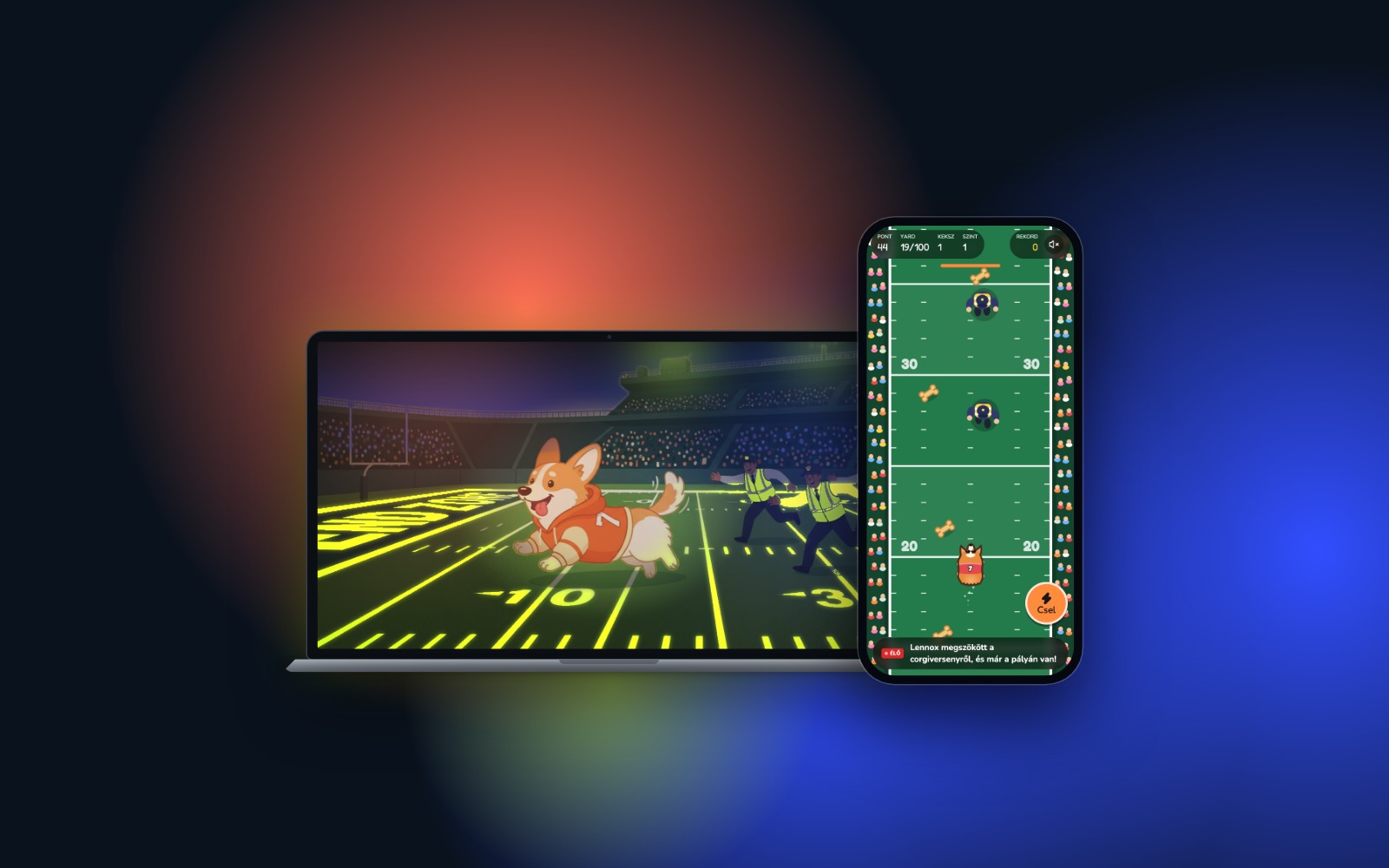
A runaway corgi on the NFL field: how a viral story became a game with Suara
A corgi broke loose at an NFL halftime show, and the next day it became a game. Here’s how to build a creative game around a meme or a topical story with Suara.
1 day
From news to game
31
Prompts
0
Lines of code written by hand
Kredit felhasználás
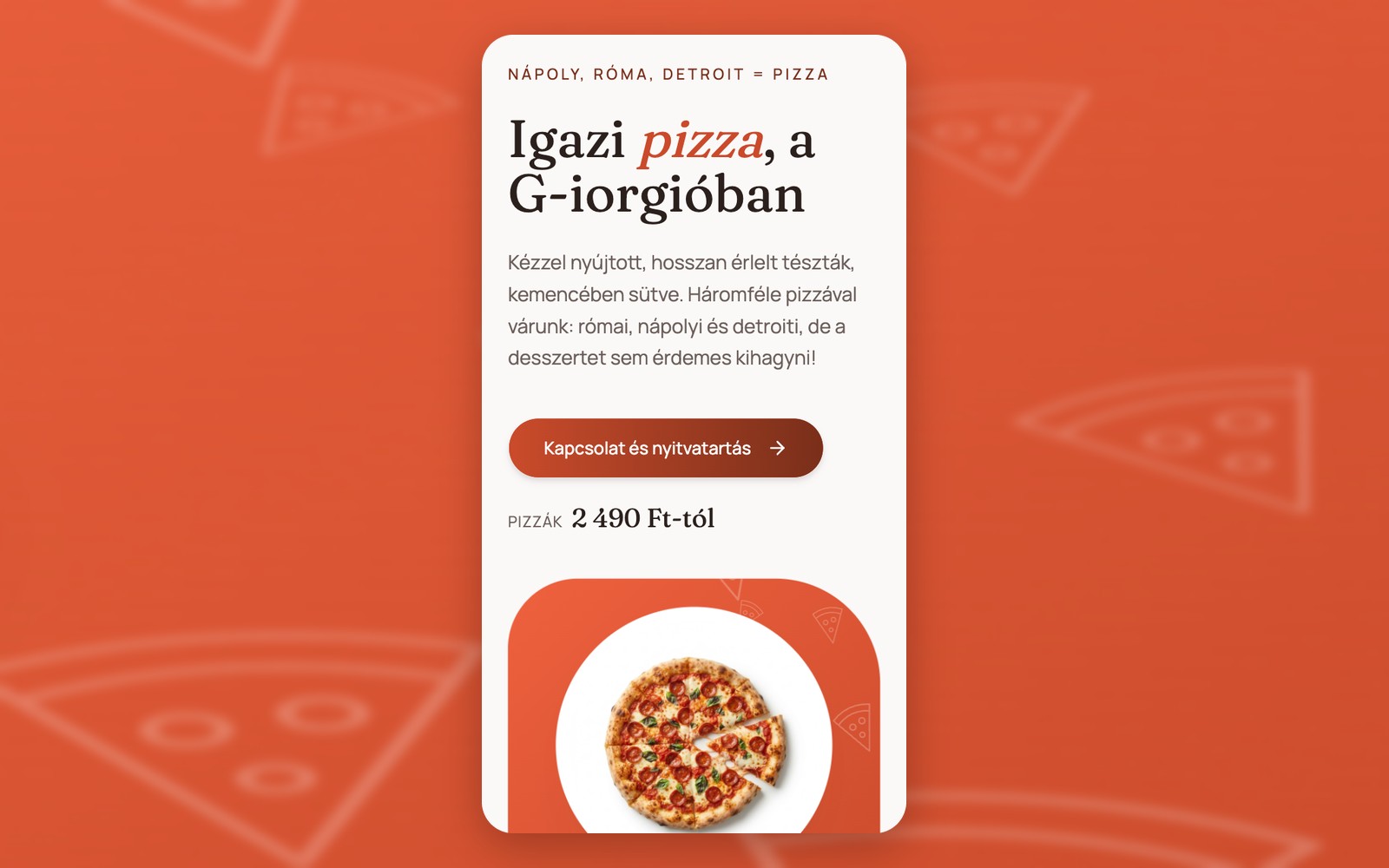
How we built a pizzeria website with table booking in 22 minutes
How we built a sample pizzeria website with a menu, map and table booking from one reference image and one prompt in 6 minutes, and about 22 minutes of generation including refinements.
5 min 55 s
First working version
approx. 22 min
Full generation
approx. 170
Credits used
Kredit felhasználás
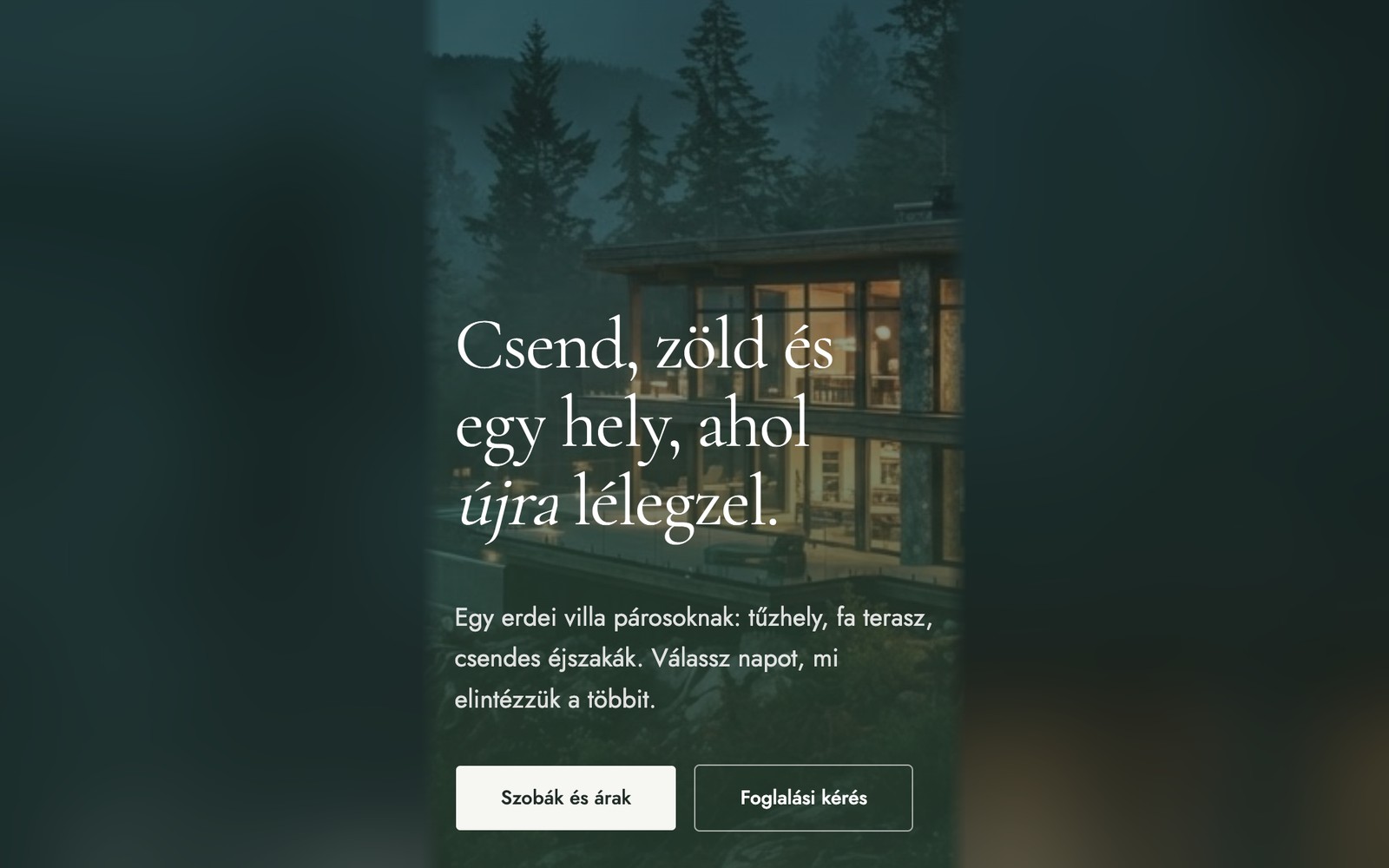
How we built a villa website with online booking from a single prompt
How we built a sample accommodation website with striking animations, packages and a booking form: from a single prompt in 6 minutes, and about 11.5 minutes of generation including refinements.
6 min 18 s
First working version
approx. 11.5 min
Full generation
approx. 110
Credits used
Kredit felhasználás