
A runaway corgi on the NFL field: how a viral story became a game with Suara
A corgi broke loose at an NFL halftime show, and the next day it became a game. Here’s how to build a creative game around a meme or a topical story with Suara.
Suara by Billingo
18 November 2026
1 day
From news to game
31
Prompts
0
Lines of code written by hand
This isn’t a demo project: the game was built with Suara by one of our colleagues, inspired by a real news story. The game itself is in Hungarian.
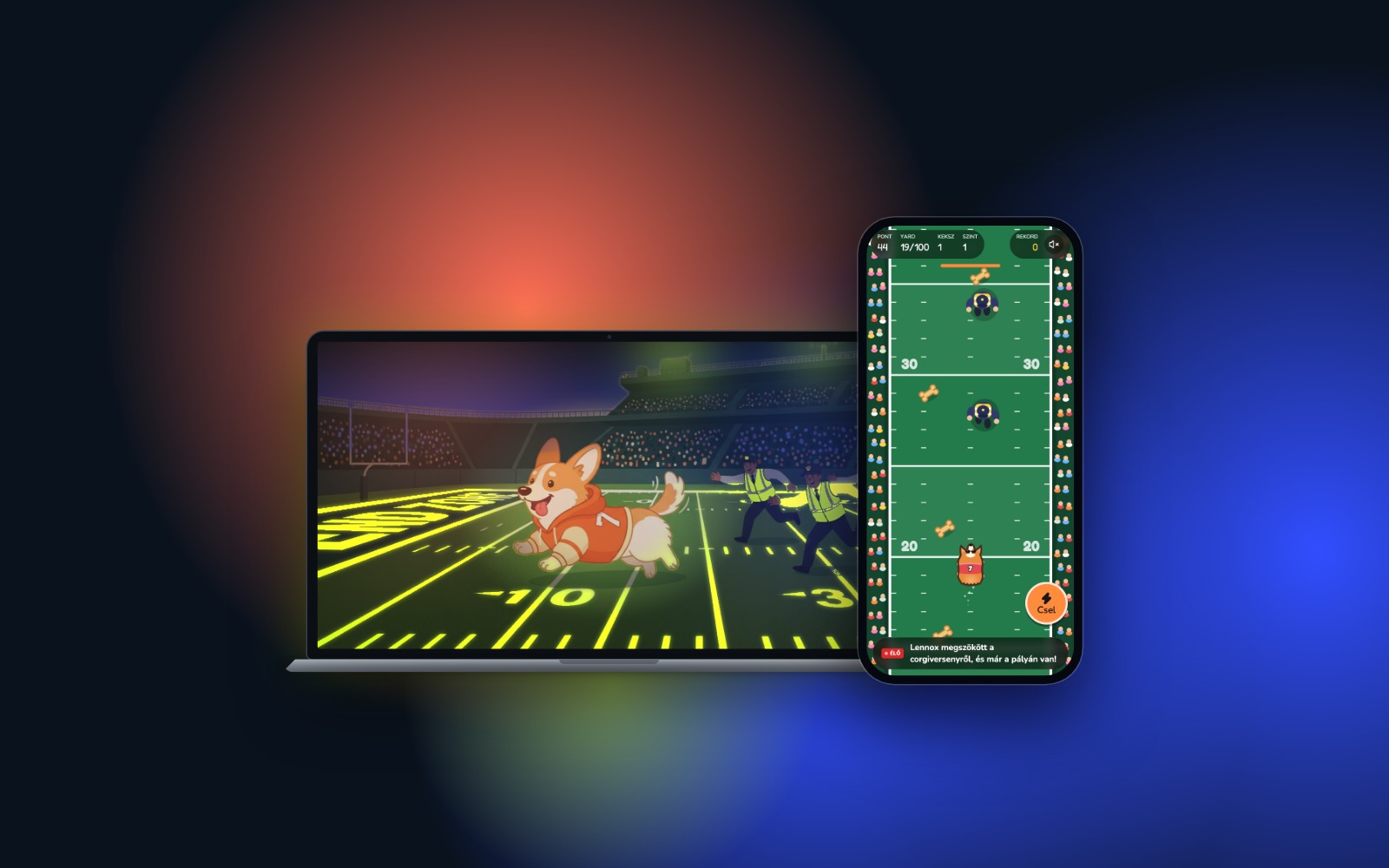
On 8 November 2026, a corgi race was held on the field at halftime of the Carolina Panthers vs. Denver Broncos NFL game. One of the racers, however, didn’t head for the finish line: it broke loose, dodged its handlers and raced across the field before being caught at the 40-yard line. The video went viral in no time. The next afternoon, a colleague of ours was already turning it into a game with Suara. This case study is about how a meme can become a shareable, playable experience in a single day.
Why build on something topical?
A funny news story or a viral video is on everyone’s mind for a few days. If you react quickly, you don’t have to win attention, because it’s already there. And a game gives people more than a post does: they play it, share their score and come back to beat their own record.
Move fast: a meme lives for a few days, and classic development takes longer than that.
Keep it small but complete: one good idea, simple gameplay and a twist are enough.
Make it shareable: a score, a record, a funny line at the end and a great preview image when the link is shared.
How it was made
The first prompt
Our colleague started with a detailed description covering the idea, the start screen, the gameplay and the mood. It began like this:
“Create a single-page arcade game that runs in the browser, called ‘Runaway Corgi: Touchdown!’. The idea: during halftime of an American football game there’s a corgi race, but one of the corgis escapes, dodges the security staff and dashes across the field. The player controls this corgi.”
(Translated from Hungarian.)
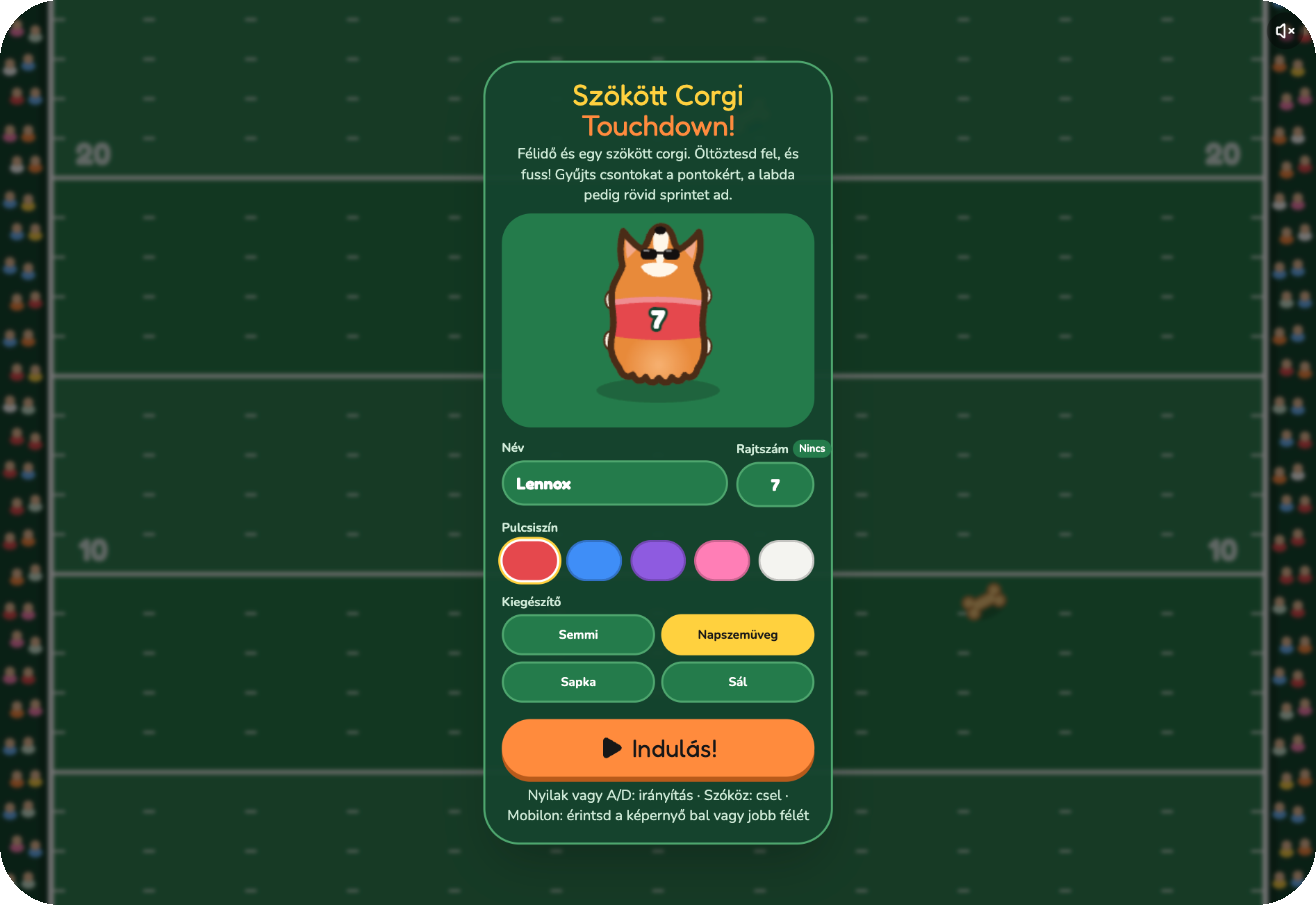
The prompt also described the dress-up start screen: you can give the corgi a name, a jumper colour, a race number and an accessory, and a live preview shows how it looks. The first playable version was ready in a quarter of an hour.
The refinement rounds
Drawing the corgi: this took the most rounds. Our colleague uploaded reference images, and when the corgi still looked like “circles stacked on top of each other”, described exactly what it should look like: a short, wide body and triangular ears, seen from above.
An experiment that didn’t work out: they tried the game from the corgi’s point of view. It wasn’t better, so one sentence brought back the previous version, and they moved on.
Desktop view: at first the playing field ran in a narrow strip, and over several rounds it was stretched to fill the full 16:9 screen.
Fine-tuning the next day: race numbers up to 999 or no number at all, a clearer game description, text edits made directly in the preview, mobile view and an Open Graph image for link sharing.
🚀 Pro tip: if a drawing doesn’t look the way you imagined, don’t just write “make it nicer”. Describe what you want in shapes and proportions, or upload a reference image. That’s how our colleague got to the final corgi too.
Half-time summary 🐶 A Sunday meme, a Monday prompt, and by the afternoon the corgi was running. Most rounds were about the character rather than the code, and that’s how it should be: in a meme game, the character is everything.
The result
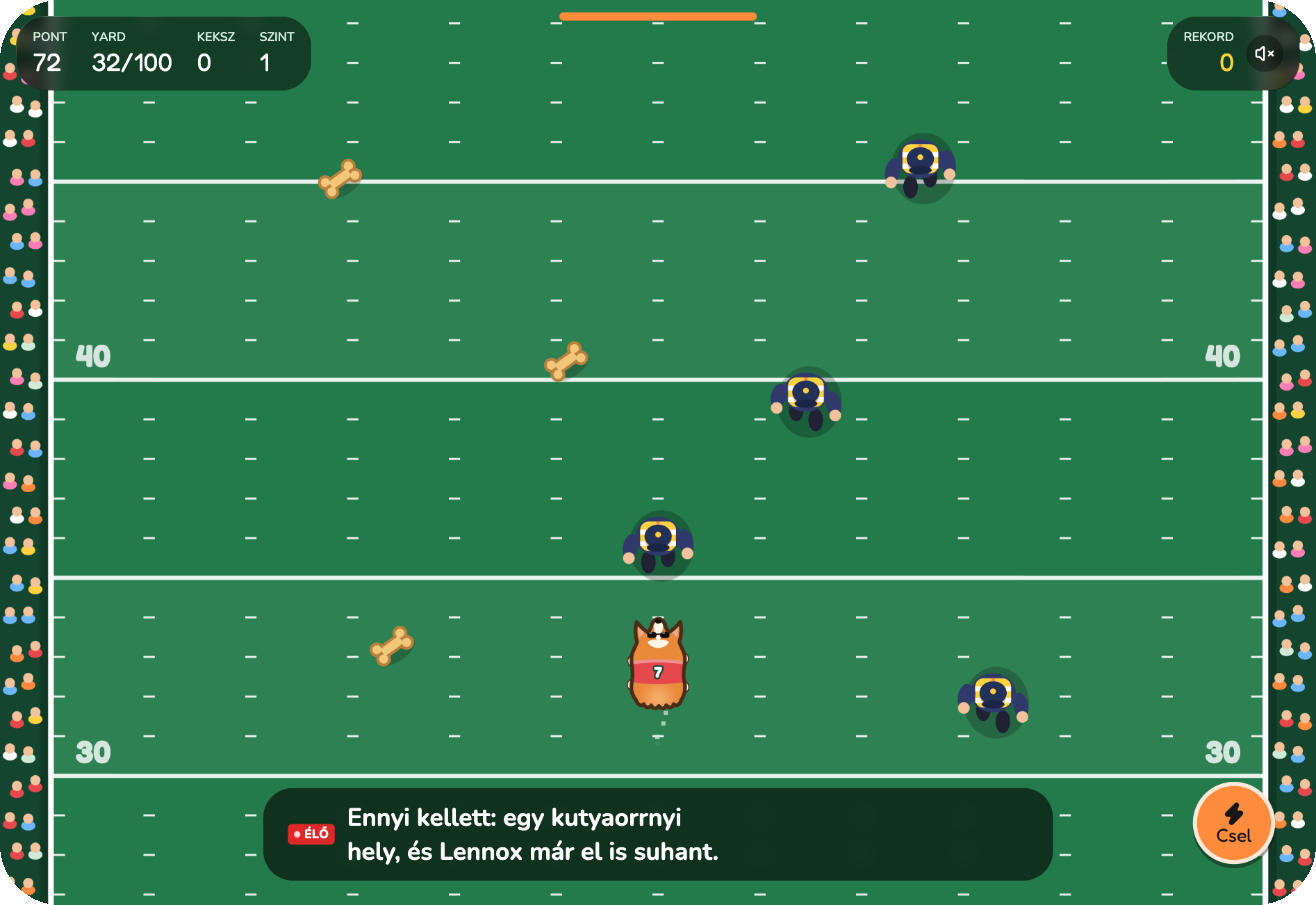
The corgi runs forward on its own, and the player steers it left and right. Bones earn points, the ball gives a short sprint, and the “Csel” (“Dodge”) button helps you slip past the security guards. Meanwhile, a live commentator narrates the run: “That’s all it took: a nose-width gap, and Lennox was gone.”
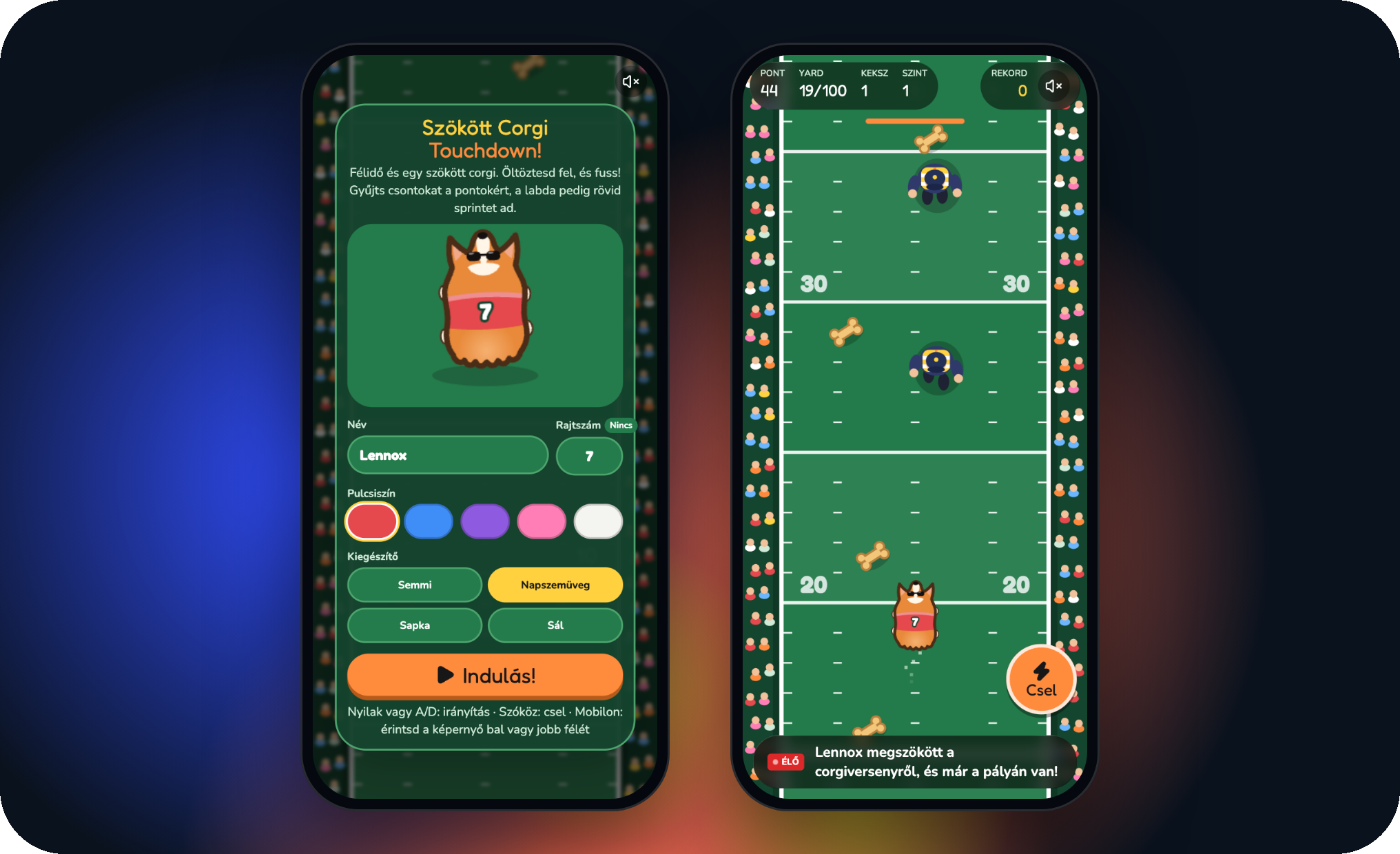
The game works on phones too: there you tap the left or right half of the screen. At the end of the run you see your score, your record, the best commentary line of the run and a “Share” button.
Dress-up start screen with a live preview
Top-down, scrolling football field with bones, a ball and guards
Live commentary and levels
Record, score and share button
Keyboard and touch controls
Ready to share
A meme game spreads when its link looks good too. Our colleague’s last request was an Open Graph image, the preview that appears next to the link on Facebook, Messenger or Slack. This is what it became:
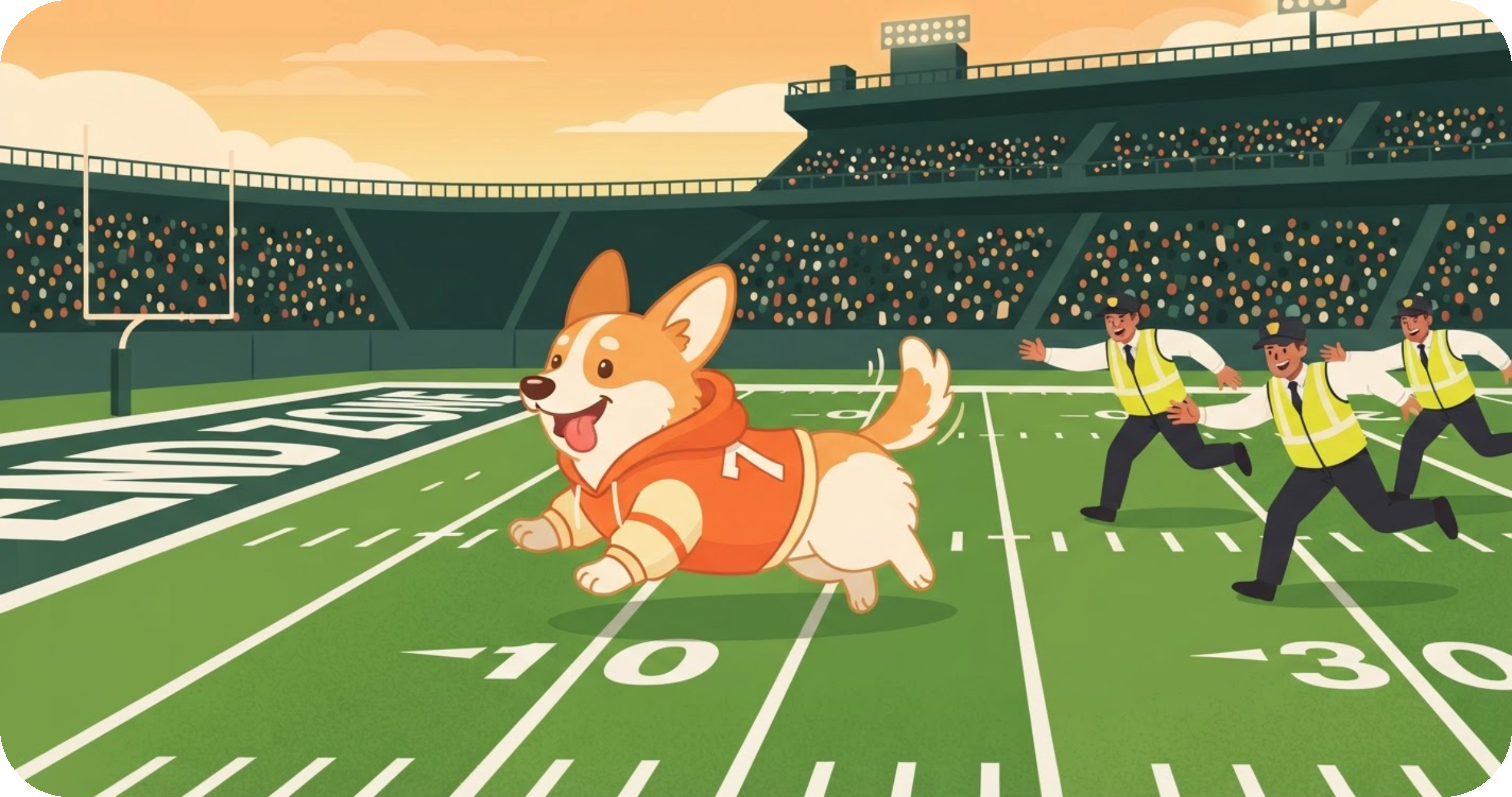
🚀 Pro tip: when you build on something topical, stick to your own idea. The game has no real team names, logos or players, just a runaway corgi and a football field. That way you carry on the mood of the story, not someone else’s brand.
What would you build on?
You don’t need an NFL game to find material. A few ideas a similar mini game or creative tool could be built around:
Weather: first snow of the year? A snowball game where you can hit your colleagues.
Sport: after a big match or a record, a prediction game or a mini pitch game.
Holidays and campaigns: Black Friday, Advent, Valentine’s Day. A small game is far more memorable than yet another discount banner.
Local news: a city event or a community moment everyone is talking about.
If you need more ideas, check out our article with 10 vibe coding ideas. We’ve also featured another real project of ours, the Entrepreneur superpower test built for an event.
How we’d take it further
A shared leaderboard, so friends can beat each other’s records
A shareable result card with the score and the corgi’s outfit
New fields: a snowstorm, a night game, a basketball court
Build your own
You don’t need to be a game developer for this, just a good idea and a bit of humour. Start with this prompt and adapt it to your own story:
“Create a simple arcade game that runs in the browser, based on [the news or idea in one sentence]. The player controls [the main character], whose goal is [goal]. Add a start screen where the main character can be customised, a score and a record, and at the end a funny line and a share button. Make it work on both desktop and mobile.”
Sources
Kapcsolódó esettanulmányok
Minden esettanulmány →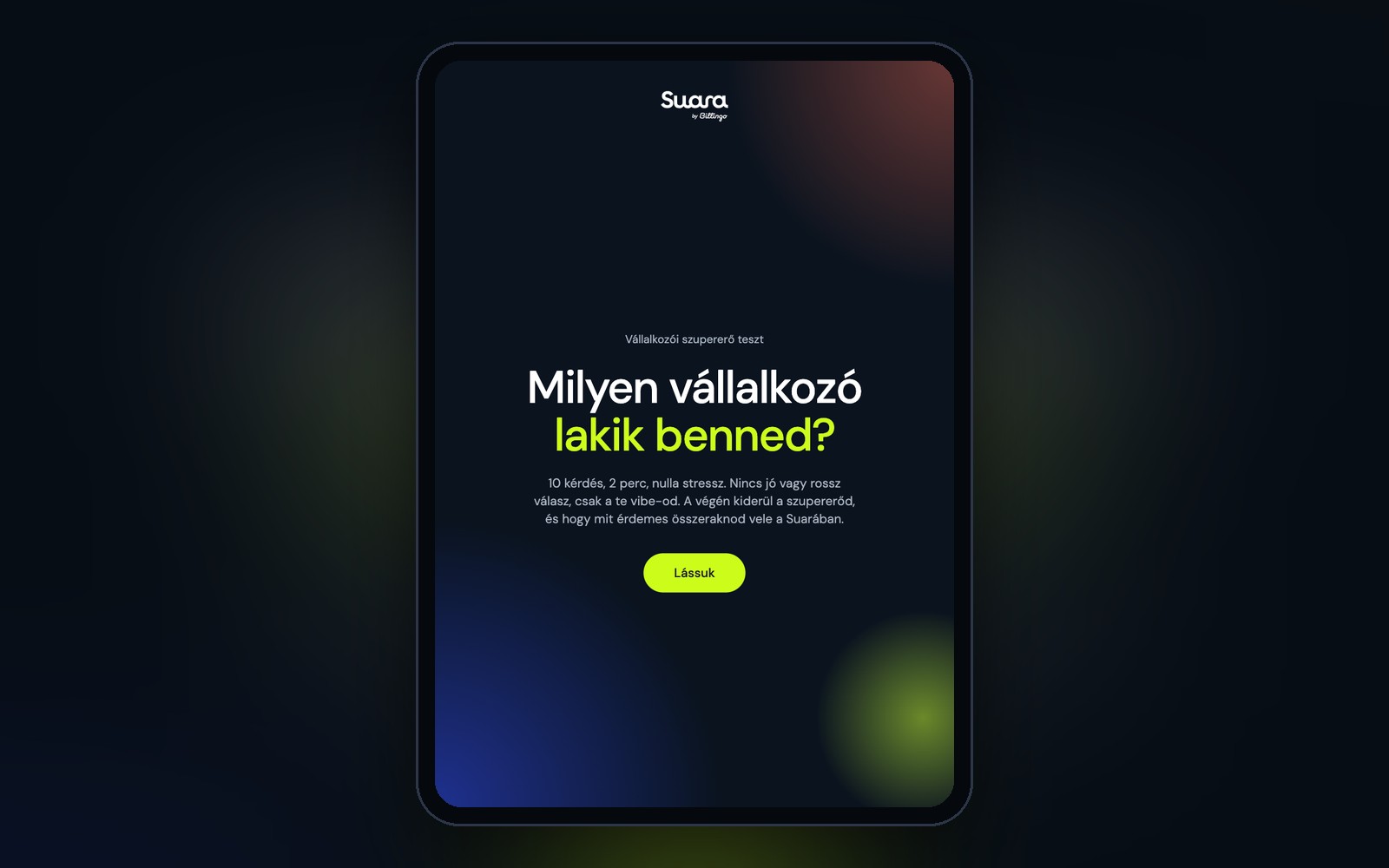
How we built the Entrepreneur superpower test: our own event quiz app, made with Suara
A real project, not a demo: an event personality test for iPad, with an automatic result email and an admin view, built with Suara.
3 minutes
First working version
approx. 23 minutes
Total generation
approx. 245
Credits used
Kredit felhasználás
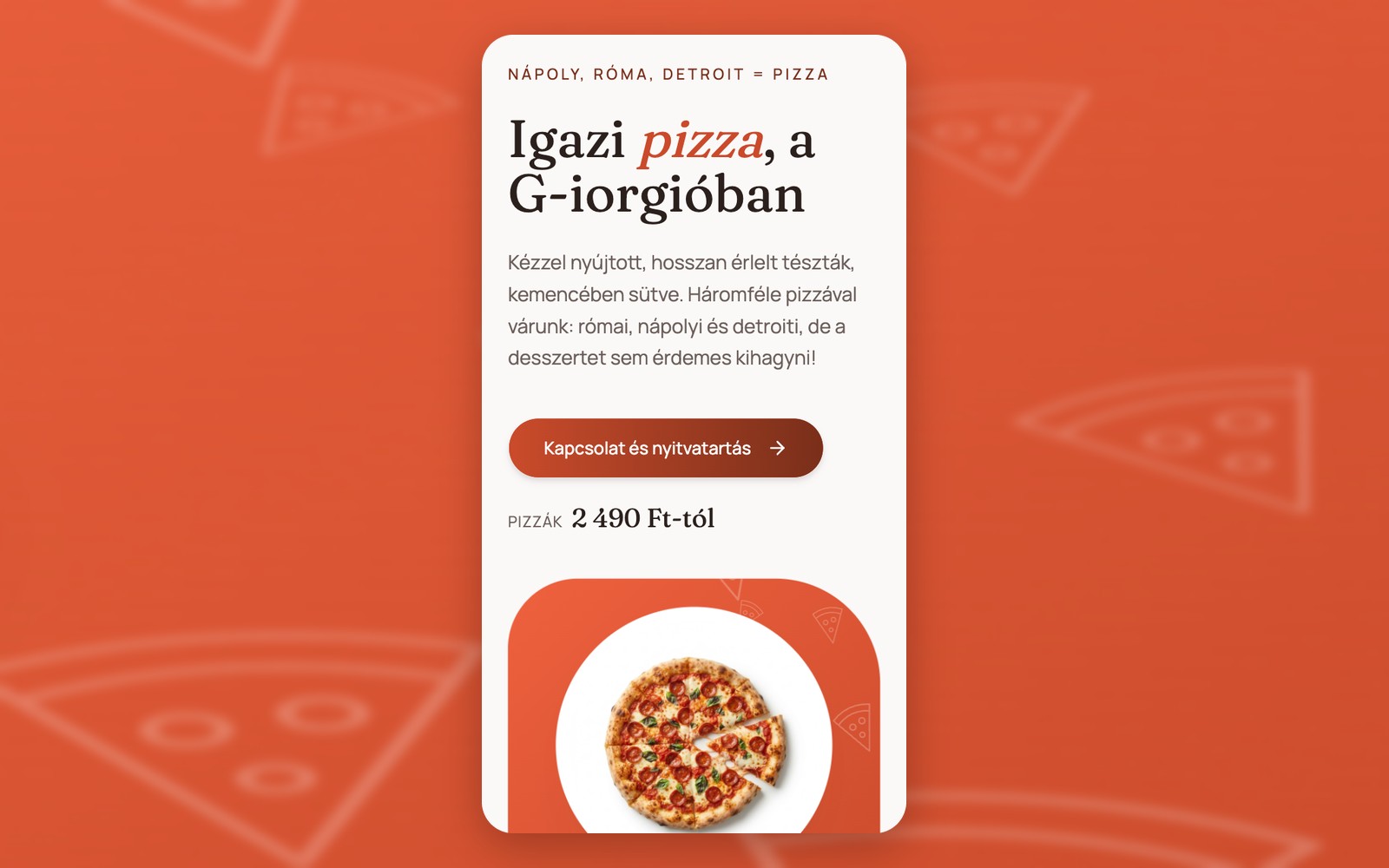
How we built a pizzeria website with table booking in 22 minutes
How we built a sample pizzeria website with a menu, map and table booking from one reference image and one prompt in 6 minutes, and about 22 minutes of generation including refinements.
5 min 55 s
First working version
approx. 22 min
Full generation
approx. 170
Credits used
Kredit felhasználás
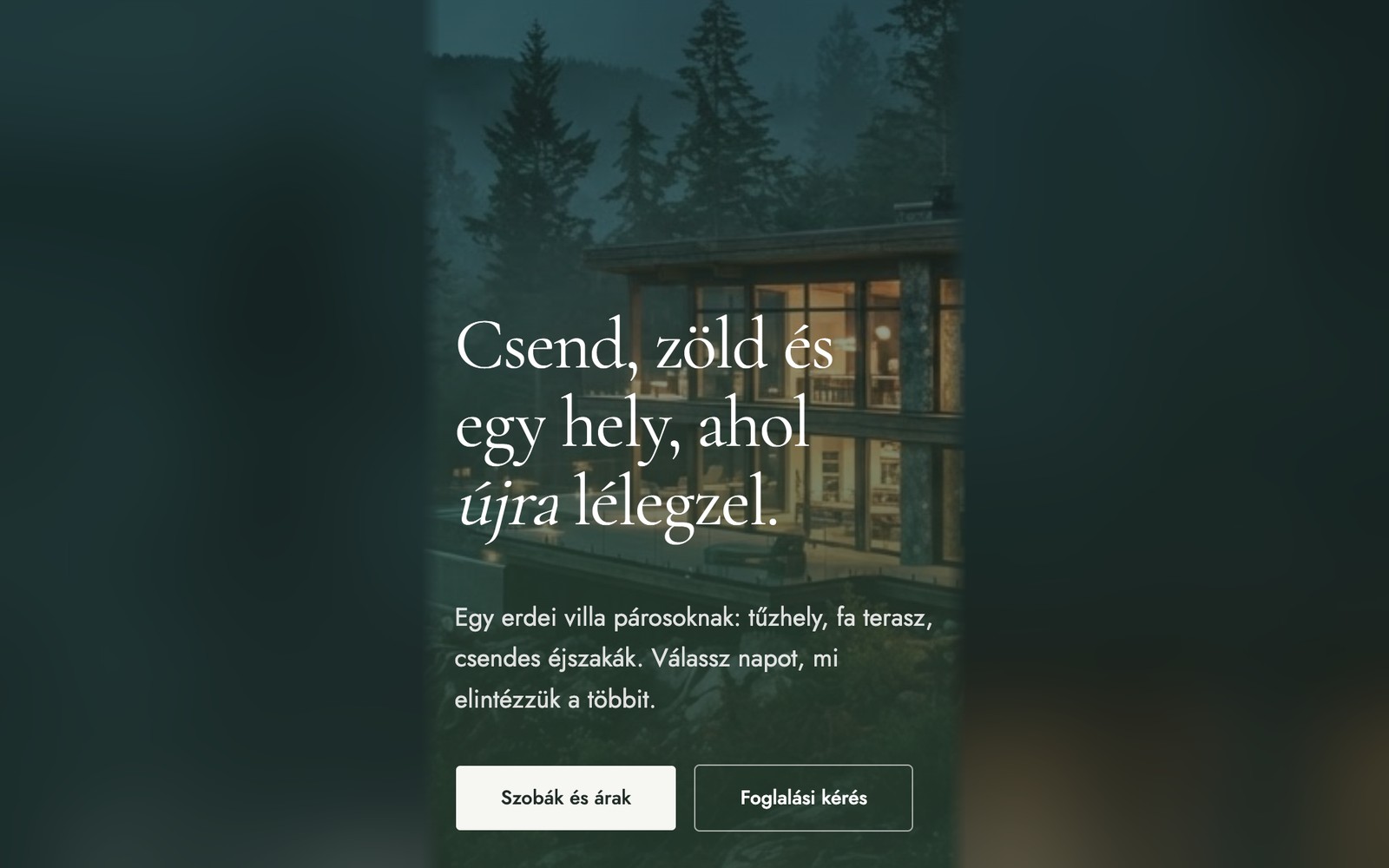
How we built a villa website with online booking from a single prompt
How we built a sample accommodation website with striking animations, packages and a booking form: from a single prompt in 6 minutes, and about 11.5 minutes of generation including refinements.
6 min 18 s
First working version
approx. 11.5 min
Full generation
approx. 110
Credits used
Kredit felhasználás